Build the Princess in Stages, Not from One Outfit
Magic Princess Dress Up is more structured than a simple outfit picker. The visible browser walkthrough describes a sequence that begins with a small face-care action, continues through facial choices, hair and clothing, then ends with accessories and a scene. The final princess is the result of those layers working together.
That order matters for styling. Hair changes the face frame. Clothing changes the silhouette. Accessories and the background decide whether the result feels like a palace portrait, a beach look or another fantasy scene. If every category is chosen independently, the final image can feel disconnected.
Stage One: Complete the Face-Care Step
The first visible task is a face-care action rather than an immediate dress-up menu. The walkthrough describes a marked area around the nose, a dark treatment layer and a wiping action that clears it. A green check indicates that the care block is complete.
Treat the check as the important feedback. If the next circle does not open, the current care action may not have been finished across the marked area. Work over the highlighted region instead of repeatedly clicking the same point, then wait for the completion state.
This opening stage gives the makeover a clear starting point: prepare the face before making the cosmetic choices.
Stage Two: Choose Face Details Together
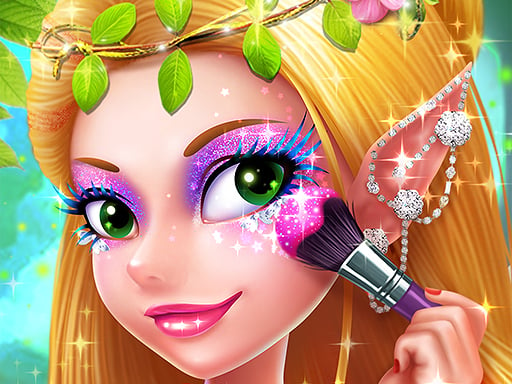
The next block groups cheek detail, eyes, brows and lips. Arrow controls move through the categories, while the lower rows expose additional options.
Choose the face as a set. A bright eye style can become the main focal point, but then the brow and lip can remain quieter. If the lips are the strongest color, use the eye selection to frame them rather than compete with them.
Brows are easy to overlook because they are smaller than the eyes, yet they change the expression and the upper edge of the face. Inspect the complete face after changing them. The best option is not necessarily the most dramatic tile; it is the one that keeps the chosen eyes readable.
The browser walkthrough uses one specific aqua-eye, purple-brow and red-lip combination as an example, not as a required solution. Treat it as a reference for how the options connect, not as a score target for every run.
Stage Three: Hair and Clothing Set the Silhouette
After the face block, the game moves to hair and clothing. This is where the princess stops being a collection of facial choices and becomes a complete character.
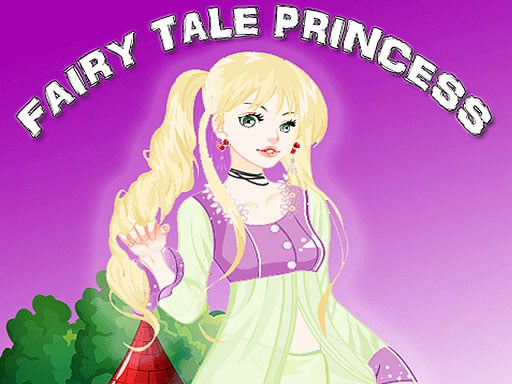
Choose the hairstyle before finalizing the outfit because hair changes the amount of face and neckline that remains visible. A long ponytail or curled fringe can make a dress feel more formal; a simpler hair shape leaves more room for a hat or headband.
Then choose the clothing with the hair in view. A strong red-and-black outfit can support bright aqua hair through contrast, while a pastel outfit may need a softer hairstyle. The game also includes legwear and shoe choices in the documented walkthrough, so check the lower half before moving to accessories.
Use the green border around an item as selection feedback. If the appearance does not change, check whether you selected the tile or only moved across the option row.
Stage Four: Accessories Are the Finish
Accessories open after the earlier blocks show completion checks. The documented browser version includes head details such as bands, crowns and clips, along with other visible decorative items.
Choose the accessory after the hair and outfit so it supports the finished silhouette. A plain headband can keep a busy hairstyle clean. A crown can become the main theme and may need simpler clothing around it. A handheld prop, such as a fan, can repeat the outfit color and give the character a stronger pose.
Do not treat accessories as a rescue step. If the face, hair and clothing already point in different directions, adding more decoration usually increases the noise. Review the full figure first, then add one detail that connects the look.
Stage Five: Choose the Scene Last
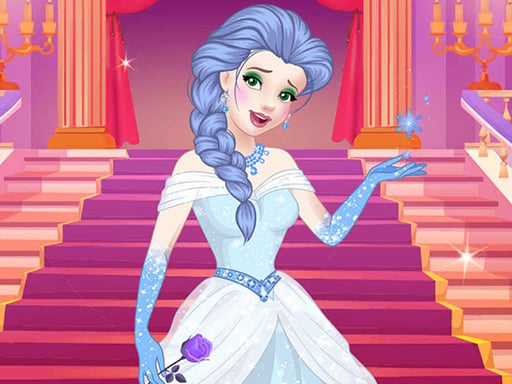
The documented walkthrough places the background selection after the face, hair, clothing and accessory blocks. Available scenes include an icy palace-style hall, a beach and other colorful settings.
The scene changes the color relationship of the whole image. Blue ice makes red clothing and aqua hair stand out. A pink outdoor background may support softer or warmer choices. Decide whether the background should contrast with the outfit or extend its palette.
Choosing the scene last also prevents a common mistake: designing the character for a background that is later replaced. Finish the character, preview the scenes, then make one small wardrobe adjustment only if the final contrast is weak.
Reading the Completion Checks
The top circles represent the major blocks of the makeover. A green check means that block has been completed; a missing check tells you where to look when the next step remains unavailable.
Use this troubleshooting sequence:
- Identify the circle without a green check.
- Reopen that category with its arrow controls.
- Confirm an item is visibly selected, usually with a green border.
- Finish the current face-care or styling gesture.
- Wait for the next block to unlock before switching screens.
This is more useful than clicking every category randomly because the interface itself tells you which stage is incomplete.
Three Ways to Style the Same Princess
The game supports different visual directions even though the main workflow is guided.
Icy fantasy
Use aqua or cool hair, a pale face accent, a darker brow and a red clothing accent. The icy palace scene provides contrast and makes the warm details stand out.
Royal portrait
Let the crown or head accessory lead, then choose clothing with a clear formal shape. Keep the makeup balanced so the face remains visible beneath the royal styling.
Playful scene
Use a brighter hairstyle, a small cheek detail and a colorful prop, then choose a less formal background. The goal is a character that feels expressive rather than ceremonial.
These are styling suggestions based on the documented option groups. The game does not require one fixed combination.
What the Score Means in Context
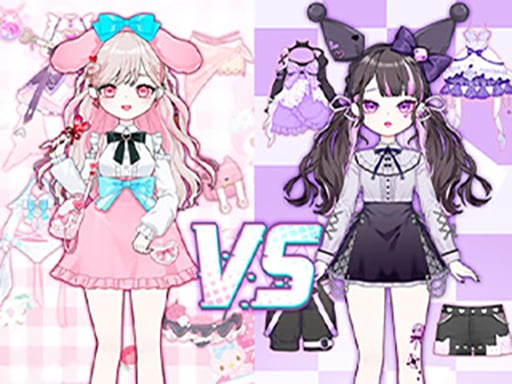
One public walkthrough records a completed look receiving 82 hearts while neighboring looks received 30 and 56. That example shows that the game can present a comparison-style result, but it does not establish a universal scoring formula for every browser session.
Use the result as feedback rather than as proof that one color is always correct. If a look scores lower, compare its overall balance: face contrast, hairstyle, outfit silhouette, accessory and background. Change one category at a time so you can see which decision affected the presentation.
How to Play
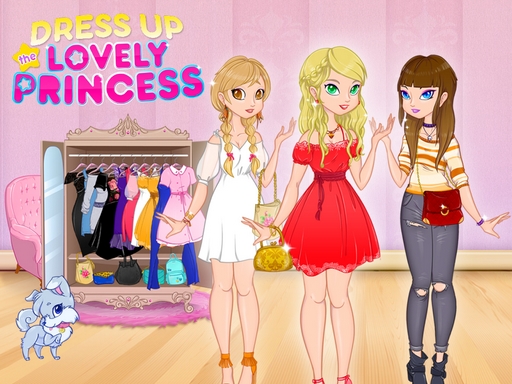
Select the outfits and accessories shown in the game. Try different combinations to complete the princess's magical look.
Explore more styles in Princess Games and Dress Up Games.
How It Differs from Other Princess Games
Paper Princess Doll Dress Up is more focused on doll wardrobe composition, while Magic Princess Dress Up uses a staged makeover with face care, makeup, hair, clothing, accessories and a scene. Princess Nail Makeup gives more attention to nail and beauty detail. Choose Magic Princess when you want the completion-check workflow and a final background to be part of the result.
Our Test Notes
Last checked: August 2026
Play style: Staged princess makeover
Controls: Mouse click / arrows / drag where requested; touch may vary by embed
Progress saving: Not confirmed for the current embedded build
The current GameMonetize iframe is preserved. Public sources agree on the dress-up identity, while the detailed stage information comes from a browser walkthrough with matching title and visible flow. Mobile-app descriptions are not used to claim features that are not confirmed in the current browser embed.
Sources and Version Notes
The Maga Games walkthrough documents the face-care, makeup, hair, clothing, accessories, scene and completion-check sequence. GamePix independently describes free, thematic and competitive-style dress-up modes, but those mode details are not assumed to be present in the current Girl-Games.io embed. Jeuxclic exposes the same GameMonetize iframe ID used here and supports the browser identity.
Exact unlock rules, persistent saving and the scoring formula remain unconfirmed for the current embedded build.